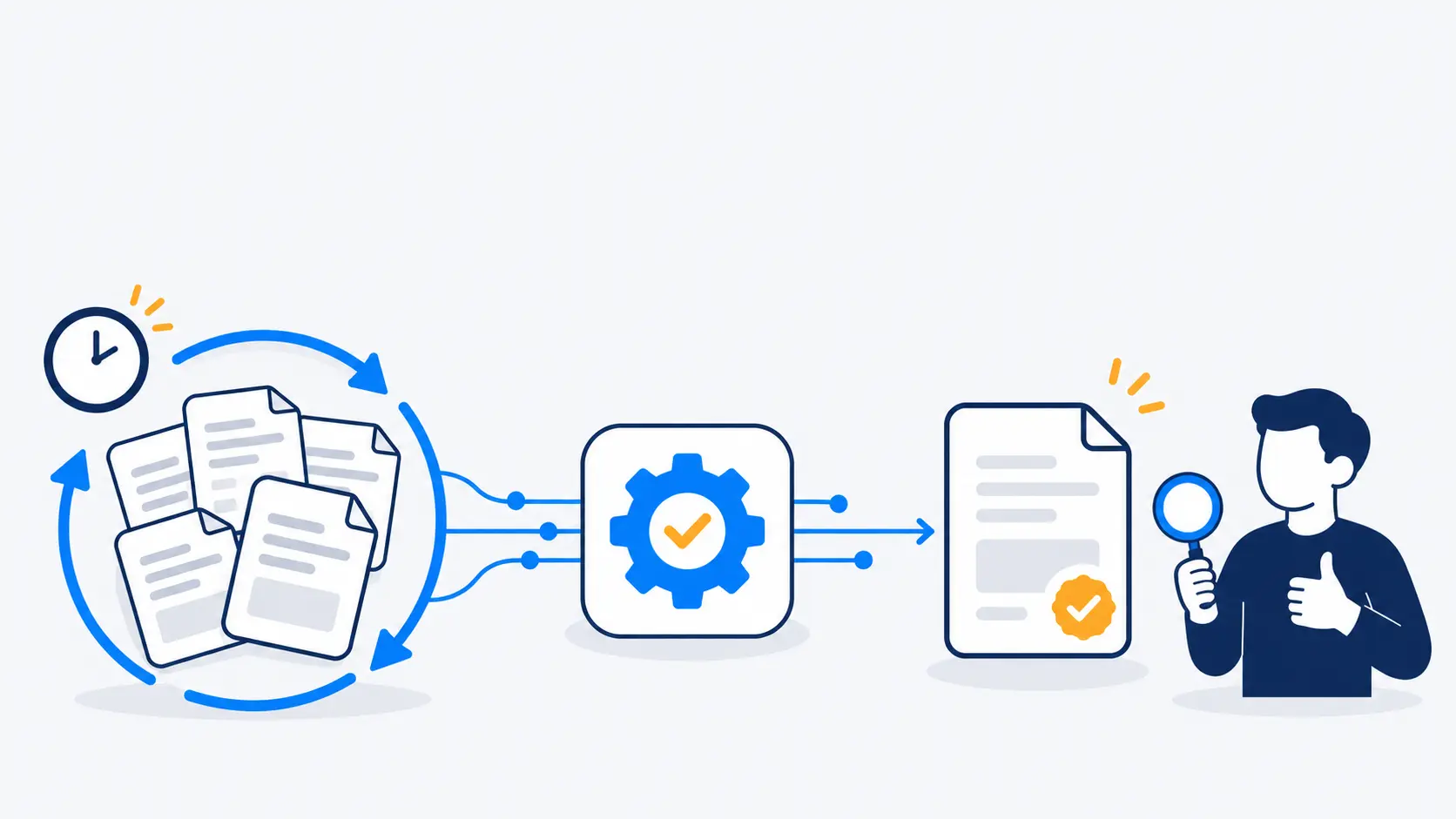
How to Automate Repetitive Tasks with AI
"We should use AI" is not a plan. The teams that actually get value from AI automation start somewhere much narrower: one specific, repetitive task that someone on the team does the same way, over and over, every day.
Step 1: Find a task that is repetitive, not just annoying
Not every slow task is a good automation candidate. Look for work with these traits:
- It follows a consistent pattern — the same kind of document, the same kind of question, the same kind of decision, just with different details each time.
- It happens often enough to matter — daily or several times a week, not a one-off.
- The input already exists digitally — emails, PDFs, spreadsheets, a support inbox, a web form.
Good examples: re-typing invoice details into an accounting tool, reading contracts to pull out key dates, answering the same five support questions, or screening resumes against a job description.
Step 2: Decide what "automated" should actually mean
How to automate repetitive tasks with AI responsibly comes down to one design choice: does a human review the output before it's acted on, or does the system act on its own? For most business-critical work, the right answer is a human-reviewed draft, not full autonomy on day one.
A document-processing tool, for instance, can read an invoice and draft the structured fields — vendor, amount, due date — but a person confirms it before it posts to your accounting system. That single review step catches the mistakes AI will occasionally make, while still removing 90% of the manual typing.
Step 3: Build around your own data, not a generic model
A generic chatbot answers generically. What actually saves time is AI trained on your own documents and context — your policies, your product catalogue, your past tickets — so the output is specific to your business, not a plausible-sounding guess.
This is the same principle behind two tools we've built and run ourselves:
- Screenr reads a resume against a specific job description and returns an explainable 0-100% match score with a skills gap analysis — not a generic "good fit" guess.
- Rawnn's AI product listing drafts a product title, description and variants from a single photo, which a store owner reviews before publishing — automation with a human still in the loop.
Step 4: Start with one task, then expand
Once one task is automated and trusted, the pattern usually repeats cleanly to adjacent work — the same document-reading approach that handles invoices often extends to purchase orders or delivery notes with small changes.
What this looks like as a project
A typical AI automation project starts with a short call to map the manual steps and the data involved, followed by a working prototype tested on real samples before anything goes live for the whole team. If you've got a specific task in mind — an inbox, a form, a spreadsheet someone updates by hand — book a free 15-minute call and we'll tell you honestly whether AI automation is a good fit for it.